Edit Configuration
From here you can modify the details of the current instance:
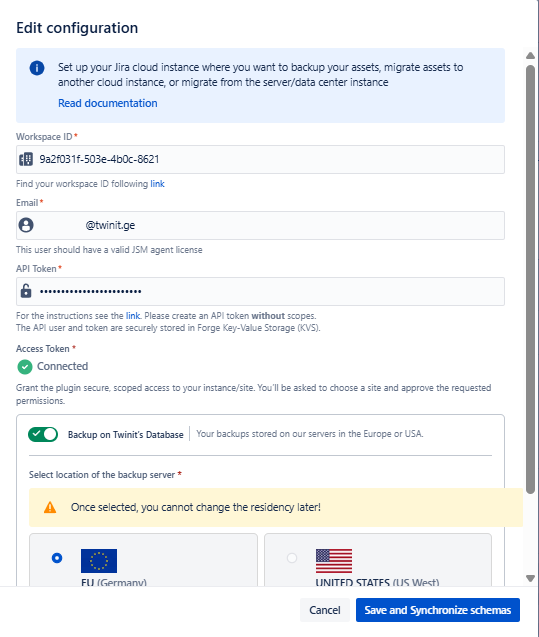
You can modify all the fields that were configured during the Initial setup , including the local database, by turning on the Backup on local database toggle.
You cannot change the data location on the Twinit database, that you have already selected during the initial setup. If you selected your local database during the initial setup, but now want to select the Twinit database, you can select only the EU location. This also means that you cannot change the storage location of the already backed up schemas. However, you can still choose the location of your backups. To do so, delete the connection and during the new configuration select the desired location. In this case, you will see the previous backups, but with an error message “Schema not found in backup“ and you will not be able to restore such backups.
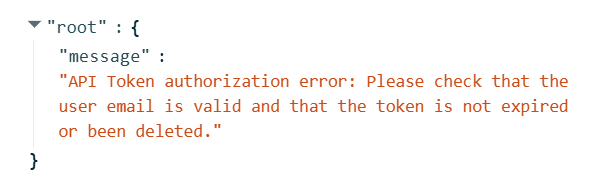
If the API Token is expired or deleted, or if there is an issue with checking the token status, you will see the corresponding message during sync schemas, backup and restore: