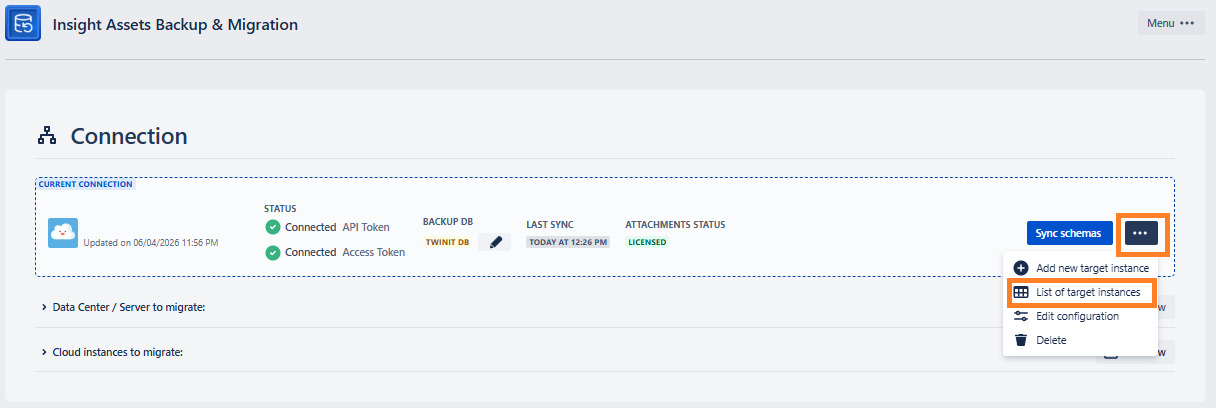
List of Target Instance
List of Target Instance
List of target instances
From here you can see and manage the added target instances:
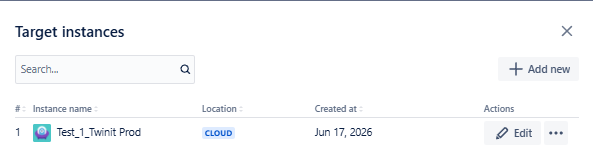
| Column | Description |
|---|---|
| Instance name | Instance name and URL |
| Location | Cloud or Data Center |
| Created at | Date when the target instance was added |
| Actions | 1. Edit - To modify the instance details. After clicking Edit, you will see the same fields as for adding the new instance 2. Delete - To delete the target instance from the list |
You can also add a new instance, by clicking the +Add new button.